Skylight Calendar vs. Domio
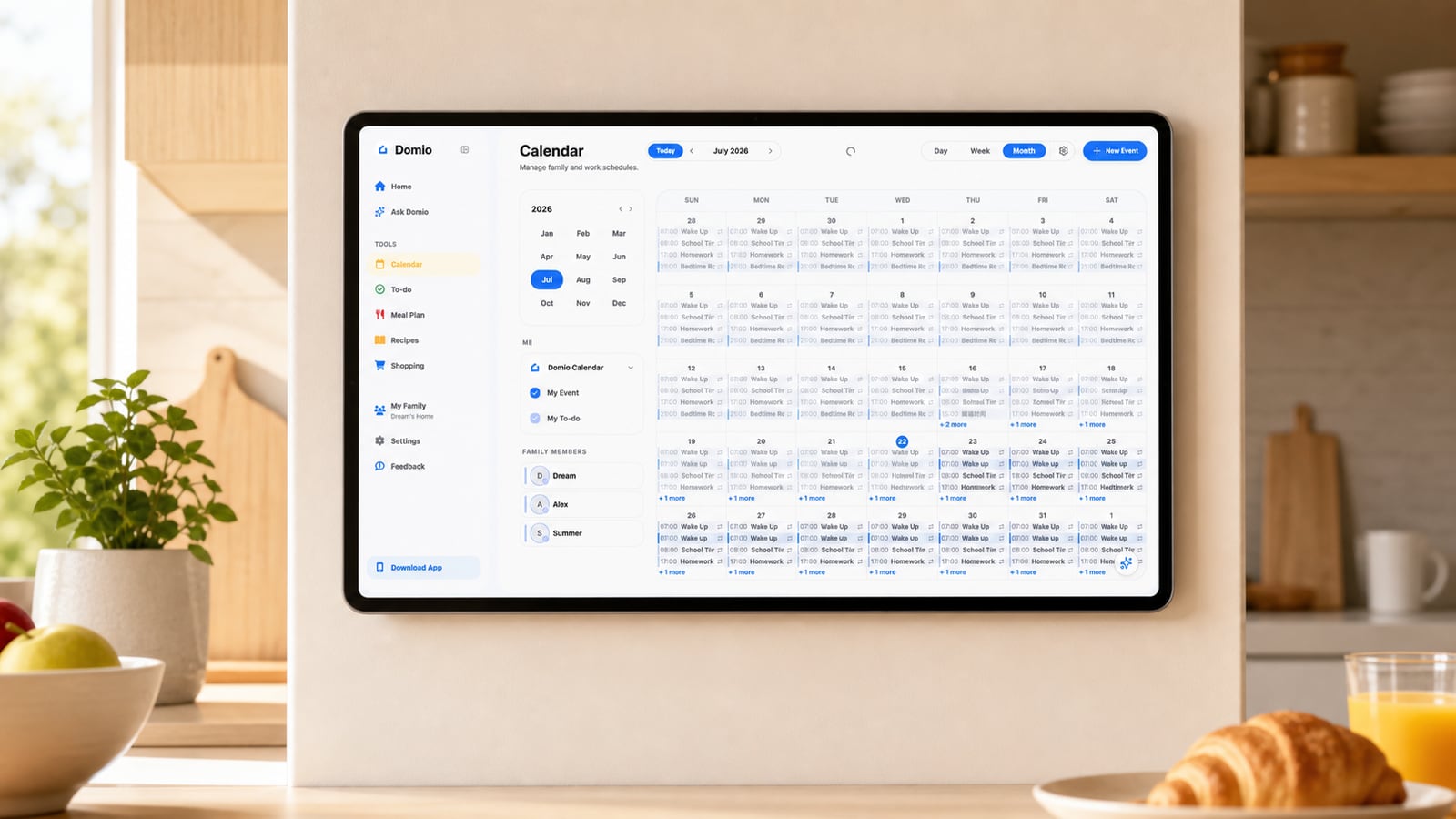
At a glance
Skylight Calendar and Domio both help families stay organized, but they are designed around different priorities.
Skylight combines an always-visible home display with calendars, kid routines, rewards, meal tools, and Sidekick imports. Domio uses mobile and web to connect the calendar with tasks, meals, reminders, caregivers, and changing plans.
AI coordination vs. a dedicated display

Domio
AI family coordination
Domio brings mobile and web family planning into one connected system for schedules, tasks, meals, groceries, reminders, and caregiver handoffs.
Its advantage is coordination beyond visibility. Domio connects schedule changes with tasks, meals, groceries, reminders, and caregiver handoffs, then surfaces conflicts and suggested next steps.

Skylight Calendar
Dedicated calendar display
Skylight Calendar combines a dedicated touchscreen with a companion app. The always-visible display is a real advantage for children and anyone who is unlikely to open a planning app.
Skylight also offers chores, routines, rewards, meal planning, grocery lists, and Sidekick imports from emails, photos, and PDFs. Several of those advanced tools depend on Calendar Plus.
Core capabilities
Swipe horizontally to compare →
| Capability | Domio | Skylight Calendar |
|---|---|---|
| Proactive AI family coordination | Yes | No |
| Cross-plan conflict detection | Yes | No |
| Connected next-step suggestions | Yes | No |
| Email, photo, and file capture | Yes | Yes |
| Shared calendar, tasks, and meals | Yes | Yes |
| Dedicated home display | No | Yes |
How each product works
| Workflow | Domio | Skylight Calendar |
|---|---|---|
| Coordination model | An AI family agent monitors the live week and connects events, tasks, meals, groceries, reminders, and handoffs. | A display-first organizer keeps calendars, routines, chores, meals, and lists visible on dedicated household hardware. |
| When information arrives | Interprets email, photos, and files, then relates the details to the existing family plan. | Sidekick can import schedules and plans from email, photos, paper, and PDFs on eligible plans. |
| When a plan changes | Checks the change against pickups, meal timing, tasks, reminders, and caregiver coverage. | Keeps the updated calendar highly visible while related routines and household plans remain display-led. |
| What happens next | Surfaces conflicts and proposes connected next steps while parents stay in control. | Uses visual routines, chores, rewards, and Sidekick tools to support household follow-through. |
| Signature strength | Cross-plan reasoning across a changing family week. | An always-visible, kid-friendly household touchscreen. |
| Best fit | Families that want an agent to interpret change and coordinate the work around it. | Families that prioritize an always-on display and kid-friendly visibility at home. |
Which one fits your family?
Skylight Calendar may fit families that want a dedicated touchscreen in a central place, along with chores, lists, and meal planning.
Domio may fit families that want an AI assistant to connect calendars with tasks, meals, reminders, and schedule changes.
Choose based on whether your main need is a visible household display or a proactive system that connects the plan to what the family has to do next.
Test one school week by asking whether children actually check the shared view, then import a paper schedule and change a weeknight event. The winner should improve visibility without leaving an adult to reconcile every consequence.
Frequently asked questions
How do I choose between Skylight Calendar and Domio?
Choose Skylight when an always-visible, kid-friendly touchscreen is the main goal. Choose Domio when your family wants software that interprets schedule changes and connects them with meals, tasks, reminders, and caregiver handoffs.
Can my family use Skylight Calendar and Domio together?
They can play different roles if Skylight is the household display and Domio is the coordination layer. Test calendar syncing first and choose one place where adults make authoritative changes so the plan does not drift.
What costs or requirements should I compare for Skylight Calendar?
Compare the Skylight device price and the advertised $79-per-year Calendar Plus subscription with Domio’s current plan terms. Also decide whether display visibility or AI coordination solves the bigger family problem.
What is the main difference between Skylight Calendar and Domio?
Skylight is strongest as a visible home command center. Domio is strongest when the hard problem is understanding what a changing event means for the rest of the family week.