Google Calendar vs. Domio
At a glance
Google Calendar is a strong general-purpose calendar, and many families already use it every day.
The question is not whether Google Calendar can hold events. It can. The question is whether a calendar alone can carry the family coordination work around those events.
AI family coordination vs. a general calendar

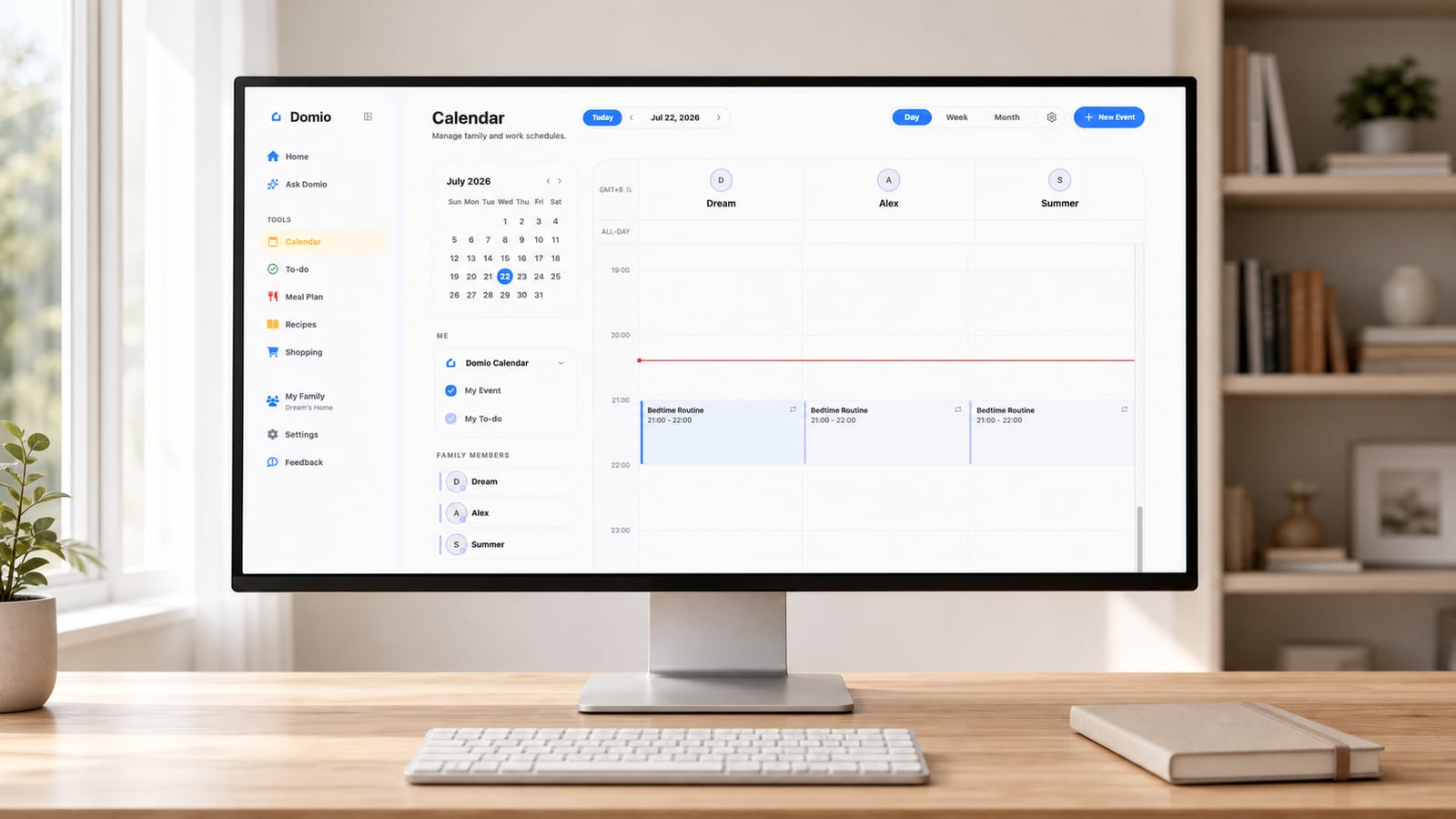
Domio
AI family coordination
Domio adds a family-specific coordination layer around time. It can connect an event with the meal, reminder, task, pickup, or caregiver handoff that the event creates.
Its value is not replacing a familiar calendar view. It is reducing the interpretation and follow-up work that still falls on a parent after the event exists.
Google Calendar
General-purpose calendar
Google Calendar is a strong default because its core scheduling tools are familiar, broadly available, and tightly integrated with Gmail, Google Tasks, and the wider Google ecosystem.
Families can create shared or family calendars, receive invitations and notifications, and use eligible Gemini features for some scheduling actions. It remains calendar-first rather than a dedicated household system for meals, groceries, and caregiver context.
Core capabilities
Swipe horizontally to compare →
| Capability | Domio | Google Calendar |
|---|---|---|
| AI family agent | Yes | No |
| Proactive cross-plan conflict detection | Yes | No |
| Connected next-step suggestions | Yes | No |
| Email-to-calendar capture | Yes | Yes |
| Meal and grocery workflow | Yes | No |
| Built-in Google ecosystem | No | Yes |
How each product works
| Workflow | Domio | Google Calendar |
|---|---|---|
| Coordination model | An AI family agent interprets what events require across meals, tasks, reminders, pickups, and people. | A general-purpose calendar stores and shares events, invitations, availability, and schedules. |
| When information arrives | Interprets email, photos, and files and connects the details to the wider household plan. | Gmail can create certain events automatically, while invitations and Google services feed the calendar. |
| When a plan changes | Evaluates the effect on pickups, meals, tasks, reminders, travel, and caregiver coverage. | Updates the event and its notifications; related work remains in Calendar, Tasks, or other Google tools. |
| What happens next | Surfaces family-specific conflicts and proposes connected next steps while parents retain control. | Uses notifications, Google Tasks, and eligible Gemini actions for general scheduling follow-through. |
| Signature strength | Family-specific reasoning across the work that sits around the calendar. | A familiar scheduling experience with deep Gmail, Workspace, Android, and web integration. |
| Best fit | Families whose stress sits around the calendar, not only inside it. | Families needing a familiar, low-friction shared calendar in the Google ecosystem. |
Which one fits your family?
Google Calendar may fit families that already use Google accounts and mainly need reliable shared scheduling, invitations, and notifications.
Domio may fit families that want schedule changes to stay connected with pickups, meals, groceries, reminders, tasks, and school logistics.
Compare a general calendar with a family assistant when the event list keeps creating follow-up work for the household.
Keep Google Calendar as the baseline for one busy week, then track how many times a parent separately handles meals, pickup ownership, groceries, or school follow-up. Test whether Domio meaningfully removes those extra translations.
Frequently asked questions
How do I choose between Google Calendar and Domio?
Use Google Calendar when a familiar shared schedule and Google ecosystem integration solve most of the problem. Choose Domio when the family still has to manually translate events into pickup plans, meals, tasks, and caregiver communication.
Can my family use Google Calendar and Domio together?
This is a natural combination when Google Calendar remains the time-based source of truth and Domio adds family context. Confirm the current calendar connection, then avoid editing the same event independently in two places.
What costs or requirements should I compare for Google Calendar?
Core Google Calendar features are available with a Google account, while some Gemini capabilities require eligible plans. Compare those account costs and privacy preferences with the current Domio plan and the value of family-specific workflows.
What is the main difference between Google Calendar and Domio?
Google Calendar is designed to store and share time. Domio is designed to interpret what those time commitments require from the household next.