Apple Calendar vs. Domio
At a glance
Apple Calendar works well for many personal schedules, especially in households that already use iPhones, iPads, and Macs.
Apple Reminders also provides shared assignments, recurring reminders, and categorized grocery lists. The real comparison is whether those separate, included apps are enough, or whether the family needs one context for ownership, handoffs, meals, and changing plans.
AI family coordination vs. Apple’s built-in tools
Domio
AI family coordination
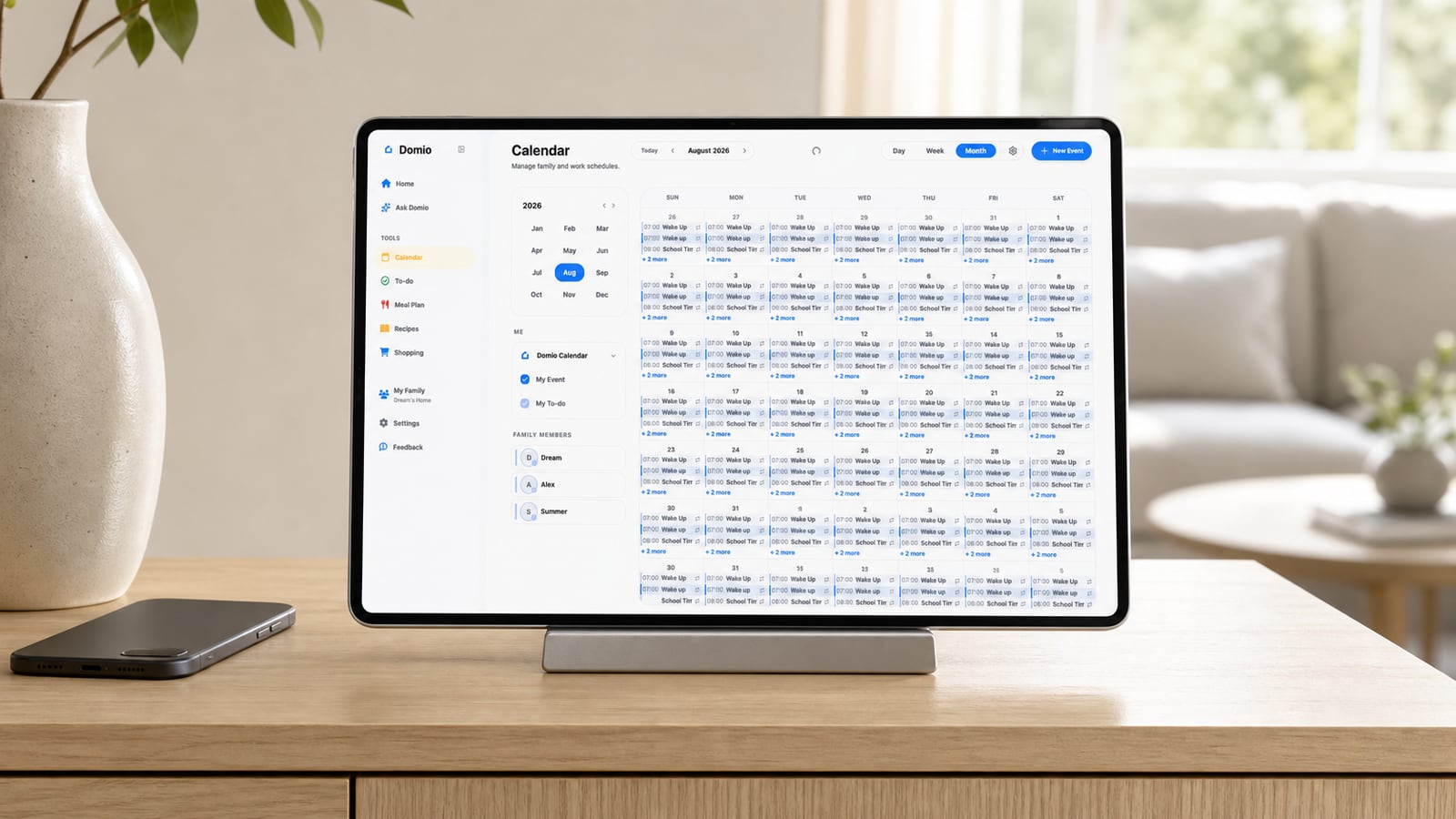
Domio brings calendars, reminders, meals, groceries, and handoffs into the same family context across mobile and web.
Instead of leaving each shared calendar event as an isolated record, it helps the household spot conflicts and connect the event to the actions and people it affects.

Apple Calendar
Apple calendar and lists ecosystem
Apple Calendar is built into iPhone, iPad, and Mac and works well for personal schedules, shared iCloud calendars, invitations, and event notifications.
Apple Reminders strengthens the free ecosystem with shared and assigned lists, recurring reminders, and automatically categorized grocery lists. The tradeoff is that calendars, tasks, and groceries remain separate apps, with the smoothest experience inside Apple’s ecosystem.
Core capabilities
Swipe horizontally to compare →
| Capability | Domio | Apple Calendar |
|---|---|---|
| AI family agent | Yes | No |
| Proactive cross-plan conflict detection | Yes | No |
| Connected next-step suggestions | Yes | No |
| Shared calendar, tasks, and groceries | Yes | Yes |
| Weekly meal planning | Yes | No |
| Native Apple ecosystem integration | No | Yes |
How each product works
| Workflow | Domio | Apple Calendar |
|---|---|---|
| Coordination model | An AI family agent connects schedules with meals, tasks, reminders, groceries, and caregiver handoffs. | A set of built-in Calendar and Reminders tools handles events, shared lists, invitations, and notifications. |
| When information arrives | Interprets email, photos, and files and relates the details to the existing family plan. | Families enter events, accept invitations, and organize shared reminders across Apple apps. |
| When a plan changes | Checks the downstream effect on people, pickups, meal timing, reminders, and preparation tasks. | Updates the event and notifications while related reminders and grocery lists remain in separate apps. |
| What happens next | Surfaces conflicts and suggests connected actions while the family decides what to approve or change. | Uses shared calendars, assigned reminders, recurring alerts, and categorized grocery lists for follow-through. |
| Signature strength | Cross-plan family reasoning available across web and mobile. | A seamless built-in experience across iPhone, iPad, Mac, Apple Watch, and iCloud. |
| Best fit | Families that need proactive context across calendar, food, tasks, and helpers. | Apple-first families whose needs are covered by shared calendars and lists. |
Which one fits your family?
Apple Calendar and Reminders may fit Apple-first families that need shared calendars, assigned lists, recurring reminders, and categorized groceries without another planning subscription.
Domio may fit families that want scheduling to connect with tasks, meals, groceries, reminders, and caregiver plans in one family system.
If your family only needs simple scheduling, Apple Calendar may be enough. If one parent still has to translate every event into household action, compare Domio.
Share a calendar, assign a reminder, build a grocery list, and include one non-Apple caregiver in a real week. Compare whether the Apple app set stays coherent or whether Domio’s shared family context reduces handoff work.
Frequently asked questions
How do I choose between Apple Calendar and Domio?
Stay with Apple Calendar and Reminders if everyone uses Apple devices and shared calendars, assigned reminders, and grocery lists are enough. Choose Domio when the missing piece is one proactive family context across those categories.
Can my family use Apple Calendar and Domio together?
Families can keep iCloud calendars as a familiar schedule source and use Domio for broader coordination if the current connection supports their setup. Assign one system as the place where calendar changes originate.
What costs or requirements should I compare for Apple Calendar?
Calendar and Reminders are included with Apple devices and iCloud accounts. Compare that low incremental cost with mixed-device access, any iCloud storage needs, and the current Domio plan.
What is the main difference between Apple Calendar and Domio?
Apple provides excellent general-purpose calendar and list apps. Domio specializes in connecting those kinds of information and explaining what changes mean for the family plan.