
Family Paperwork Organizer: From Incoming Form to Done
Create a family paperwork organizer that separates action forms, reference documents, deadlines, and archive storage, so incoming papers have a clear next step.
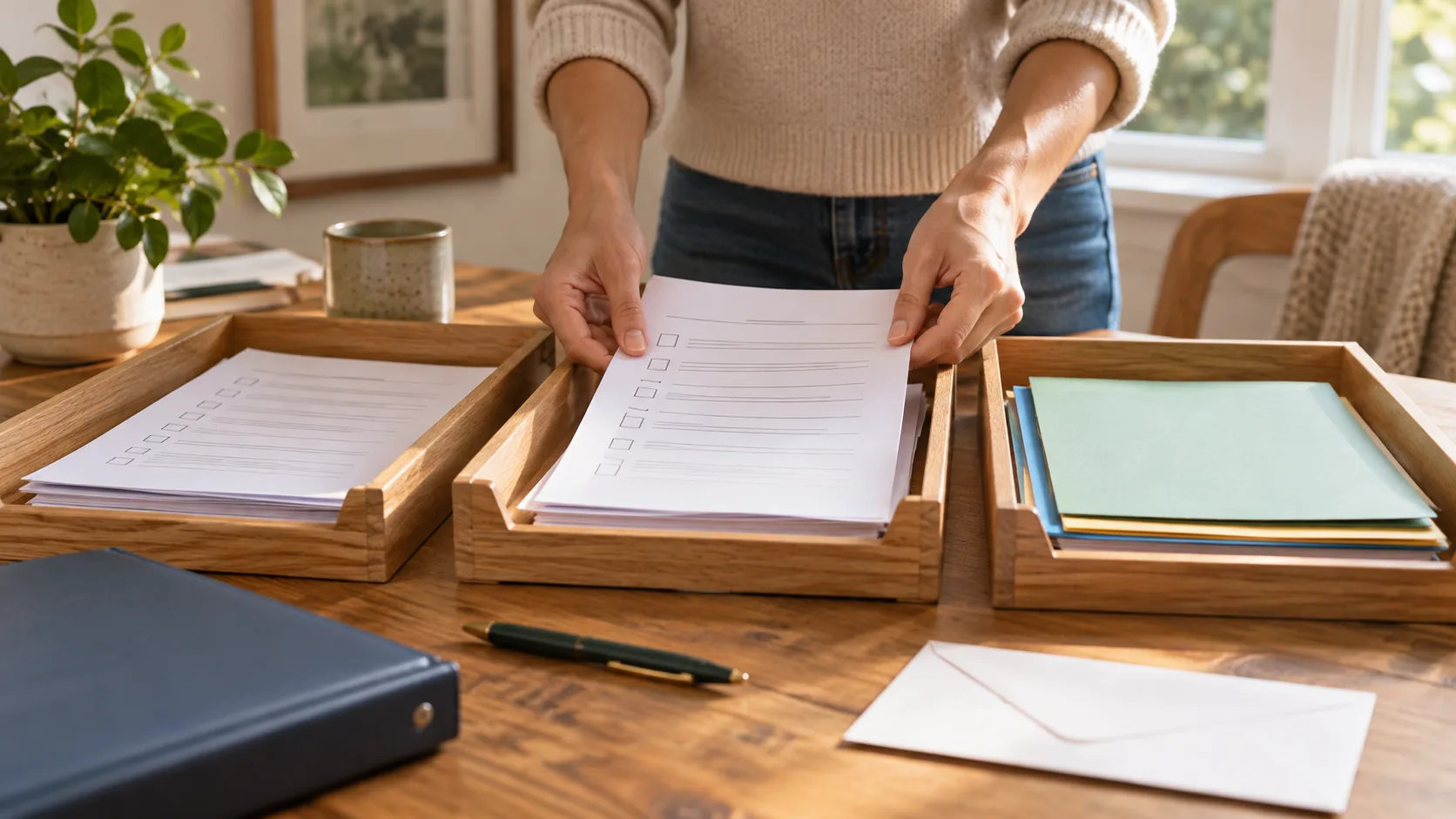
A family paperwork organizer needs an action process as well as a storage place. Give incoming documents one collection point, identify anything requiring a response, assign the next step, and file only what the household needs to keep. The deadline belongs in the plan even when the document stays on paper.
This guide is for managing everyday school forms, activity notices, receipts, and household instructions. Follow the relevant organization’s requirements for signatures, originals, and retention rather than relying on a universal filing rule.
Create one incoming-paper collection point
Choose a tray, folder, or shelf where adults and children can put new paperwork. Use it as an inbox, not permanent storage. Decide who checks it and attach that review to an existing household moment such as unpacking school bags.
For digital messages, record the action without making unnecessary copies of the document. Keep a way for the responsible adult to find the original source. The aim is one visible next step, not several duplicate documents in different places.
Sort by the next action instead of document type
Use a few practical destinations: needs action, reference, and archive or discard after review. A school form that needs a signature belongs in the action group even if you also keep school documents together. Storage category alone does not reveal whether someone must respond.
For action documents, identify the result: submit the signed form, book the appointment, confirm attendance, or return an item. An entry labeled “school paperwork” leaves the important decision hidden.
Copy an action-form tracking record
Copy these fields: Document; source; required action; owner; due date; original location; submission method; completion confirmation. Example: field-trip form; school notice; sign and return; Lee; Thursday; blue inbox folder; child returns it to school; check confirmation if needed.
When another adult takes over, update the owner and point them to the original. Do not assume that forwarding a photo transfers responsibility. Ask whether they have accepted the task and have what is needed to finish it.
Close the action before filing it away
A signed form can still be unfinished if it never leaves the kitchen counter. Track the submission or return step. Keep confirmation when it is useful and mark the task complete only after the required outcome has happened.
Store reference information where the household can find it later. Review outdated notices and superseded instructions. For sensitive papers, choose storage and access appropriate to the content rather than leaving everything at a shared command center.
Keep a review routine that catches approaching deadlines
During a short review, check the action group for overdue responses, deadlines coming soon, and documents without owners. Do not reorganize the entire archive every time. The inbox should shrink because decisions were made and actions completed.
Use Domio’s family to-dos for deadlines and owners, and the calendar for events confirmed by the paperwork. Keep the originals in your agreed storage. Start by clearing the active inbox before redesigning the household’s historical filing system.
Continue planning with Domio
Turn the ideas in this guide into one shared plan for your family.
Try DomioFrequently asked questions
How should I organize family paperwork?
Start with one inbox and separate items needing action from reference and archive material. Assign an owner and deadline before filing documents that require a response.
Should I scan every school form?
Only when a copy is useful and the organization’s requirements permit your chosen process. Keep track of any original that must be signed or returned; scanning alone does not complete the task.
How do I stop signed forms being forgotten?
Track submission as a separate completion step. Name who returns or sends the form, by when, and how the household will know it was completed.